fulltalk dev for Android
A floating microphone that dictates into any app, transcribed on the phone itself
- Kotlin
- Jetpack Compose
- Android
- sherpa-onnx
- NVIDIA Parakeet
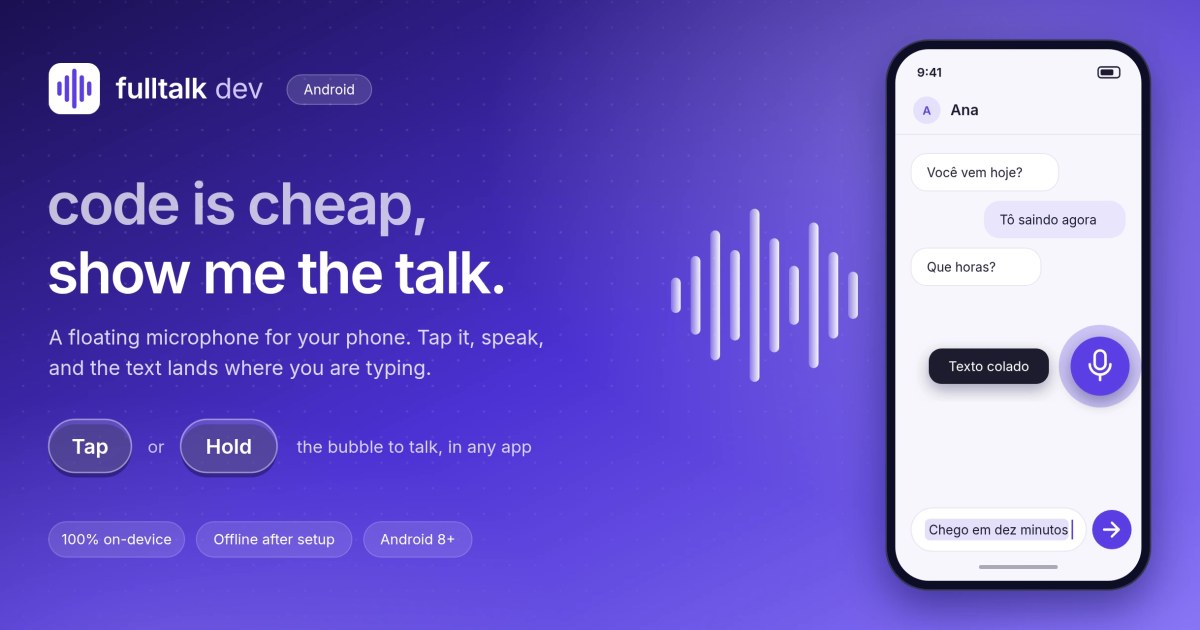
A floating bubble for your phone. Tap it, speak, and the text appears in the field you are typing in, in any app. Speech is transcribed on the device itself: nothing leaves it. It is the Android companion to fulltalk dev, the desktop dictation app: same idea, same model and same rules, rebuilt for a touchscreen.
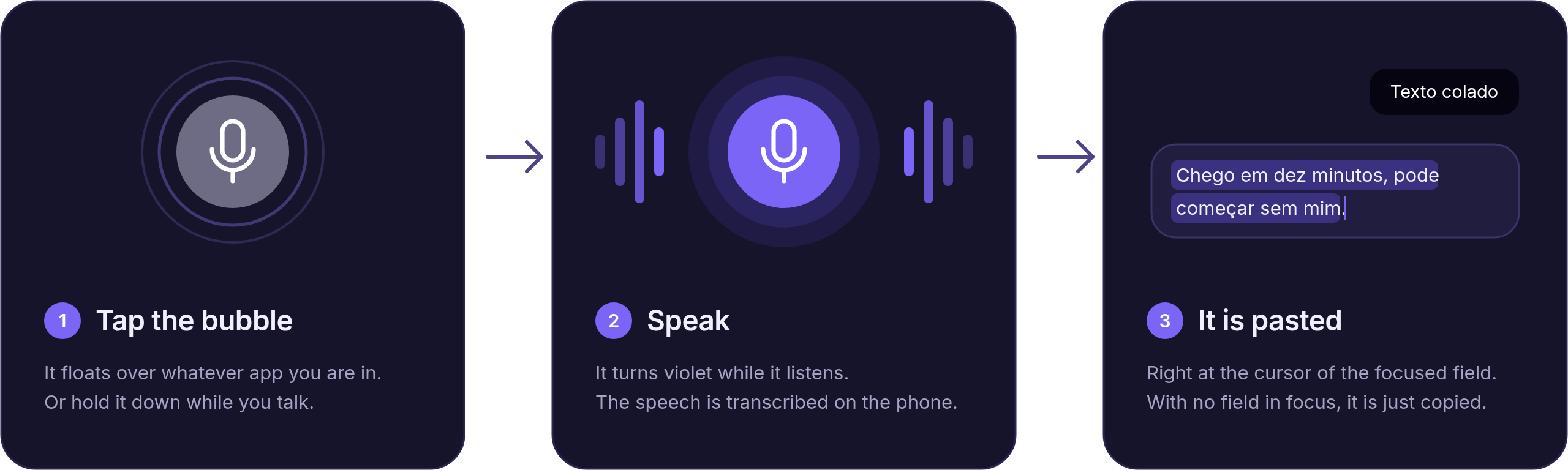
How it works
- Tap: starts recording. Tap again to stop and transcribe.
- Hold: records while your finger is on the screen and transcribes when you let go.
- Double tap: opens the app (setup, settings and recent transcriptions).
- Drag: moves the bubble, which remembers where you left it.
The bubble is gray at rest, violet while listening or transcribing and amber when something goes wrong. The transcription always goes to the clipboard and, if a field has focus, it is pasted there, at the cursor.
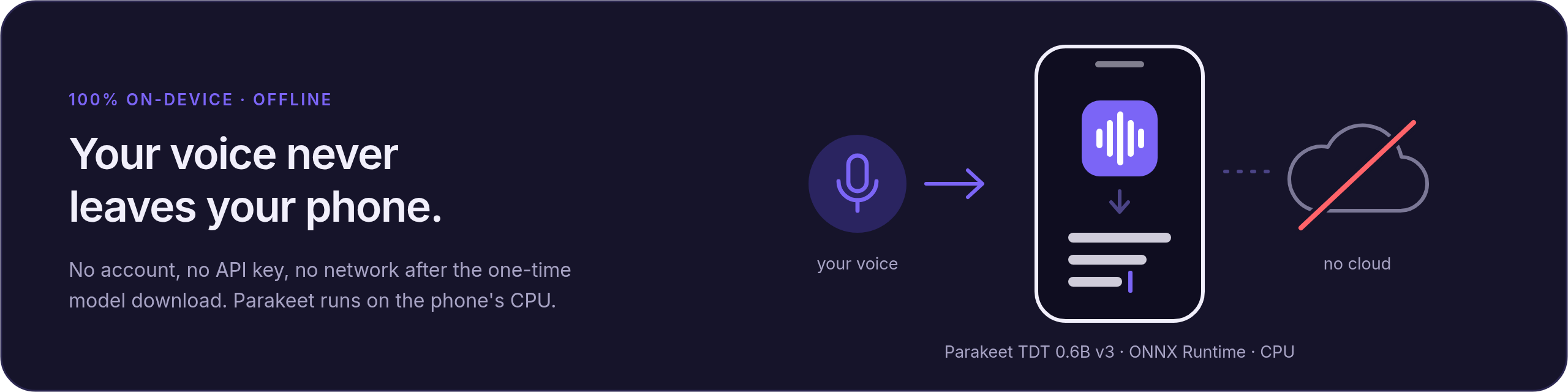
Privacy
Recognition runs on the phone's CPU with NVIDIA Parakeet TDT 0.6B v3 via sherpa-onnx. There is no account, no API key and no server. The internet is used exactly once, to download the model (670 MB), with a resumable download and every file verified by size and SHA-256. The accessibility service is used for only two things: keeping the bubble's window above other apps and knowing which text field has focus. It does not read, store or send anything that is on the screen.
Architecture
core/: pure Kotlin, no Android. The session state machine, bubble gesture recognition, history, text cleanup, silence detection, the paste-or-copy policy and a verified model installer, with 60 unit tests running on a plain JVM.app/: the accessibility service hosting the bubble, capture withAudioRecord, the sherpa-onnx transcriber, the model download and the Compose UI.
Decisions worth highlighting
- A pure state machine, ported from the Rust version: every rule, such as "lifting your finger does not stop a recording that a tap started", is a unit test.
- One finger, four meanings:
BubbleGesturetells apart tap, double tap, hold and drag without making a single tap wait for a timeout. - An accessibility overlay instead of "display over other apps": the window is of type
TYPE_ACCESSIBILITY_OVERLAY, which saves a second permission and never steals keyboard focus. - Pinned downloads: the model and the library come from pinned revisions and are checked against SHA-256 checksums that live in the code.
Requires Android 8.0 or later on a 64-bit ARM phone. The APK (40 MB) is on the GitHub releases page.
// screenshots